
Without WebMCPGuess from the interface
- 01Read the visible page
- 02Find what looks clickable
- 03Click and inspect again
Useful, but sensitive to layout, labels, and page changes.
A practical guide
Buttons are made for eyes and hands. Tools carry meaning: what an action does, which input it accepts, and what came back. That makes browser agents more reliable while keeping the person and the page in the loop.
doessearch_hotels
accepts{ city: "Paris" }
returns12 hotels
01 · The shift
Without WebMCP, an agent often has to interpret pixels, hunt for controls, and hope the page changed as expected. With WebMCP, the website publishes a small set of named actions with defined inputs and results.
Useful, but sensitive to layout, labels, and page changes.
search_hotels{ city: "Paris" }The same website remains visible. The path through it becomes legible to an agent.
02 · Anatomy of a tool
A tool is a contract between the website and the agent. It says what the action is for, what data it accepts, which page function will run, and what the agent receives afterward.
nameA stable identifiersearch_hotelsdescriptionWhen the agent should use itFind available hotels in a cityinputSchemaThe accepted structured input{ city: string }executeThe real page logicsearchHotels(city)resultWhat came back12 matching hotels03 · The lifecycle
The page publishes a focused tool.
The browser exposes it to the agent.
The agent supplies structured arguments.
The browser calls the page function.
The page updates and returns a result.
The agent does not receive arbitrary access to the page. It discovers and calls the tools that the website deliberately registers.
04 · Build it yourself
registerTool().If your page already searches, saves, books, edits, or exports, most of the product logic already exists. The best first tool reuses that same function and keeps its result visible in the interface.
const controller = new AbortController();

async function registerHotelTool() {
  if (!document.modelContext?.registerTool) return;

  await document.modelContext.registerTool({
    name: "search_hotels",
    description: "Find available hotels in a city",
    inputSchema: {
      type: "object",
      properties: {
        city: {
          type: "string",
          description: "City to search"
        }
      },
      required: ["city"]
    },
    async execute({ city }) {
      const hotels = await searchHotels(city.trim());

      renderHotels(hotels); // Update the real page.

      return {
        content: [{
          type: "text",
          text: `${hotels.length} hotels found`
        }]
      };
    }
  }, { signal: controller.signal });
}

registerHotelTool();

// When this view is removed:
// controller.abort();05 · Two paths
The imperative API is the clearest route for custom application behavior. A declarative form API is also being designed so standard HTML can expose meaning with less JavaScript.
Register a JavaScript function with a name, description, schema, and execution callback.
document.modelContext.registerTool({ … })
Add tool meaning to a real form while preserving its familiar browser behavior.
<form toolname="search-cars" …>
WebMCP is an evolving web-platform draft. Names and behavior may change; check the current specification before shipping.
06 · Real patterns
The gallery shows the same idea across very different products: expose narrow capabilities, keep the real product visible, and let several tools form a larger workflow.
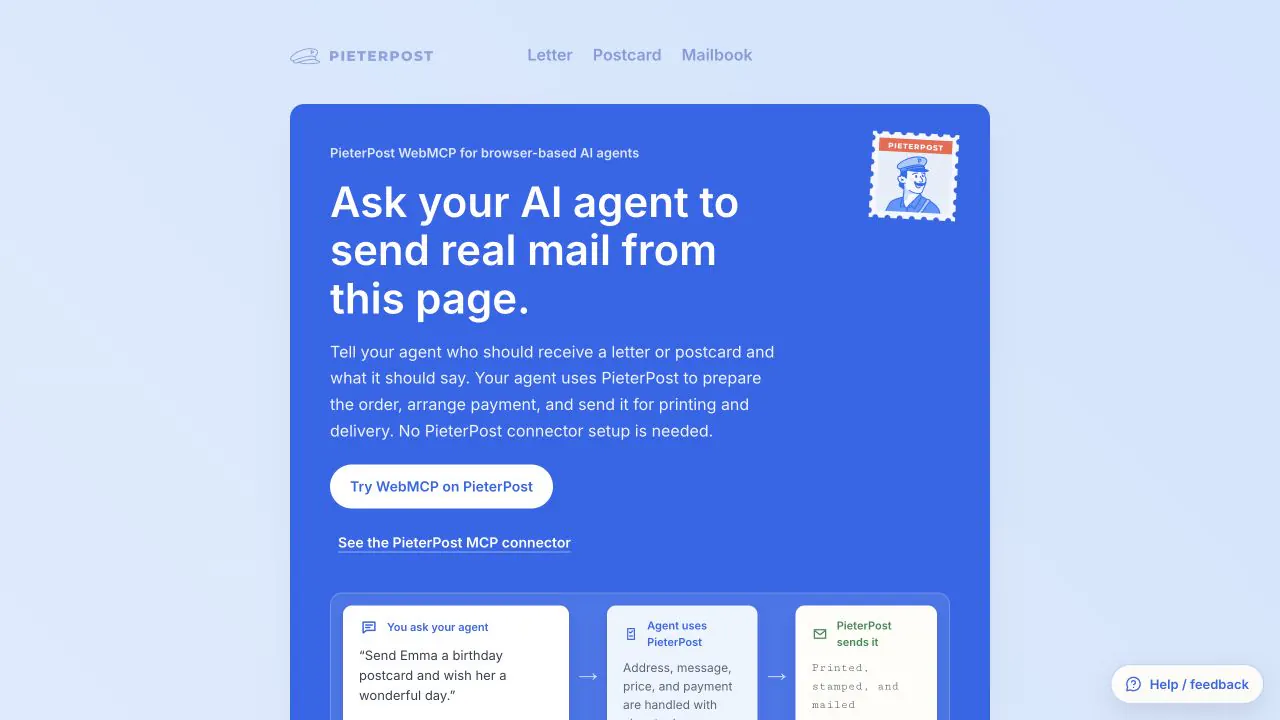
Prepare real mail as a sequence of understandable steps.
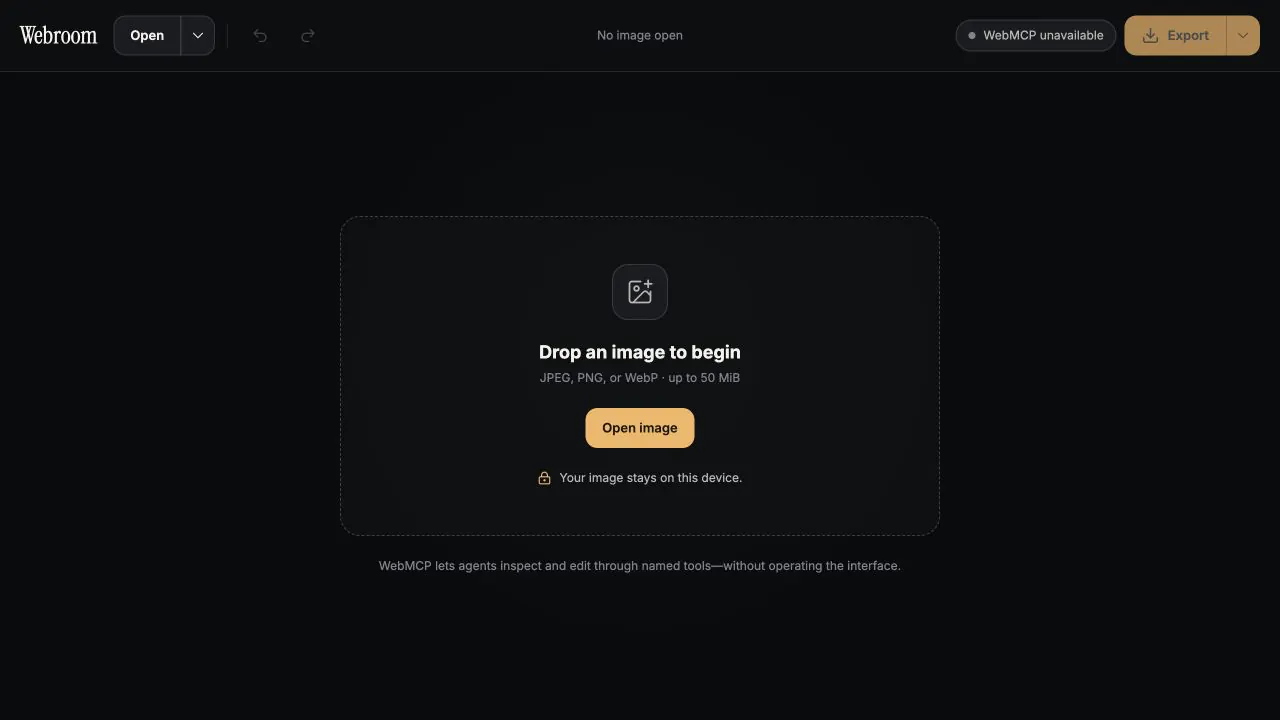
Turn precise editing operations into tools while the canvas stays visible.
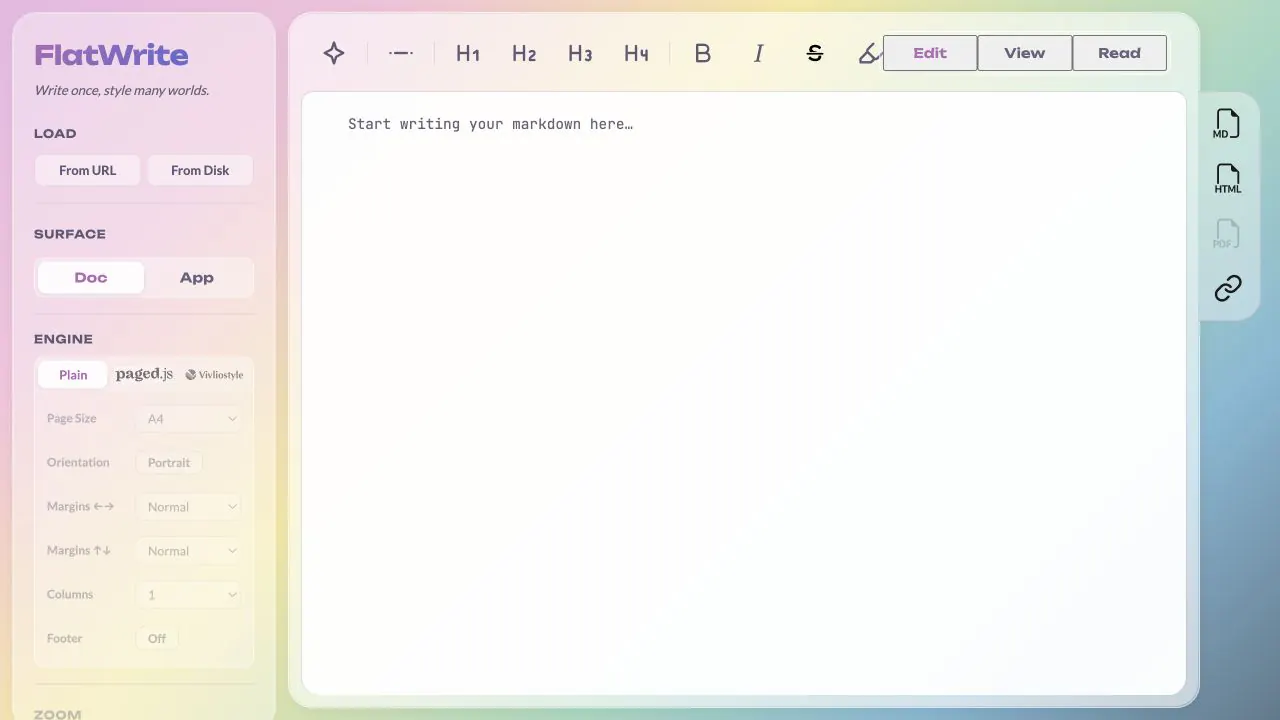
Let an agent edit, render, share, and export the same open document.
07 · Trust by design
A good tool surface reflects the risk of the action. Searching can run immediately. A purchase, booking, deletion, or message may need a preview or an explicit human confirmation before it becomes final.
Search, inspect, compare
Draft, calculate, preview
Pay, send, book, delete
Prefer a few narrow tools over one vague action with broad reach.
Use a strict schema, then validate important assumptions again inside the handler.
Say what actually happened. Do not report success before the underlying action succeeds.
Show previews, progress, results, and failures in the normal interface.
08 · Why it matters
Traditional APIs live beside the website. WebMCP adds a semantic surface inside the live page, connected to its current state, signed-in session, and visible interface. The page remains the shared place where the person, agent, and product meet.
Agents use named capabilities instead of depending on the position of a button.
The real page can display the inputs, progress, and outcome of a tool call.
Tools reuse the same functions, permissions, and state as the human interface.
09 · Common questions
No. Server APIs remain useful for system-to-system integration. WebMCP gives agents a structured surface inside a live website and can reuse page state and client-side logic.
No. The website chooses the tools it registers. The browser mediates discovery and invocation.
Nothing should break. Feature-detect the API and keep the normal human interface as the reliable fallback.
Not yet. WebMCP is an active draft. The imperative model is concrete, while parts such as declarative forms are still evolving.
Choose one useful, bounded action that already works in your page: search a catalogue, save a draft, render a preview, or export a file.
Start small
That is enough to make your first part of the web understandable to an agent.